Viewing diagrams
If you have a Gliffy diagram attached to a JIRA issue, you can view it a couple different ways.
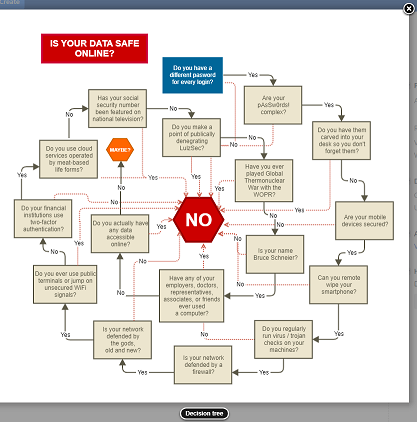
1. To view a larger thumbnail, in the JIRA issue, click the diagram. Click the X in the top-right corner to close it. .
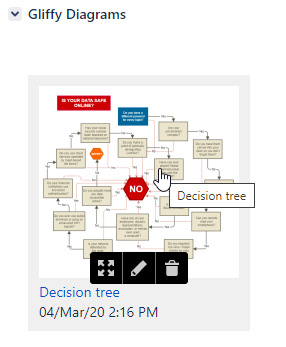
2. To view a full-size preview of the diagram, hover your cursor over the diagram and click the expand arrows  .
.
When previewing the diagram in full screen, an additional toolbar appears below the diagram, where you can edit the diagram, fit it to screen, show or hide any notes that were added to the diagram, zoom in and out, and close the full-screen preview.