Add diagrams to a Confluence page
You can add a Gliffy diagram to a new or an existing Confluence page.
On a new or existing Confluence page, click Insert elements > type Gliffy.
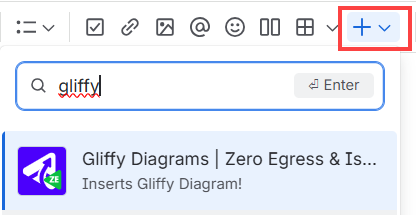
If you prefer using a macro, type the following:
Type /gliffy and from the list of macros, choose Gliffy Diagrams Zero Egress.

Type /gliffy and from the list of macros, choose Gliffy Diagrams Zero Egress.
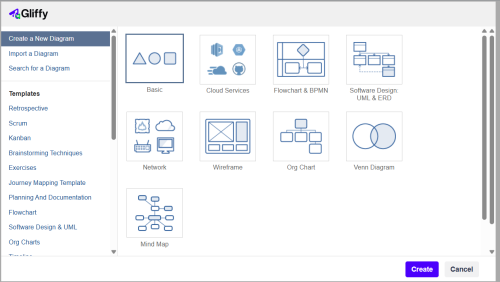
The Gliffy start screen opens.
-
Select one of the options to create your diagram:
- Create a new diagram. See Create a new diagram.
- Import a diagram. See Import diagrams.
- Search for an existing diagram and use it as a template for your new diagram. See Insert an existing diagram.
- Create a new diagram based on a template.
-
Click Create.
The Gliffy Diagram editor opens.