Install Gliffy automatically
Users with Confluence admin rights can perform an automated installation of the Gliffy plugin.
If you are not already a Gliffy customer, after installation, you will start a free 30 day trial. Before your trial expires, be sure to purchase a license.
1. From the Confluence administration menu  , expand the Atlassian Marketplace section.
2. Select Find new apps.
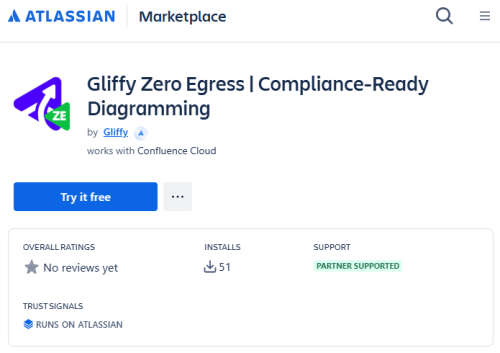
3. Search the Atlassian Marketplace for Gliffy Zero Egress.
4. Select Try it free.