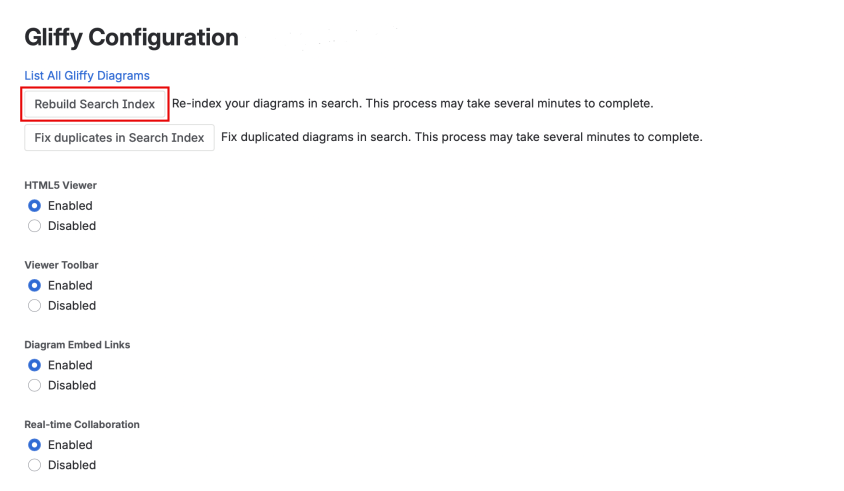
Rebuild the search index to fix diagram text search results
You can search for text in diagrams from Confluence global search (see Find Gliffy diagrams in Confluence). Sometimes, search results might open an incorrect or broken diagram. This issue typically occurs after you Migrate Gliffy diagrams from Data Center to Cloud or Update the Gliffy Diagrams for Confluence Cloud app. Rebuilding the search index can help resolve the issue.
You must have Confluence administrator permissions to rebuild the search index.
-
Sign in with your Confluence admin credentials.
-
Select Confluence Administration.
-
Select Atlassian Marketplace.
-
Select Gliffy Configuration.
-
Select Rebuild Search Index.